
Best Transactional Email Platform for WordPress Sites

WordPress websites rely on automated transactional emails to send order receipts, password resets, and contact form submissions, but default web hosting often routes these messages straight to spam. Choosing a dedicated transactional email platform solves deliverability issues and protects business credibility. This guide examines four proven platforms directly supported by standard WordPress SMTP integrations—Brevo, SendLayer, SMTP.com, and Postmark—explaining their core features, strengths, and selection criteria to help you choose the right solution for your business.

Introduction To Transactional Email Platforms for WordPress Sites
Every functional WordPress website relies heavily on automated background notifications. When a customer purchases a product on WooCommerce, requests an account password reset, or submits a contact inquiry, your site immediately generates an email.
These automated, one-to-one messages are called transactional emails. Unlike promotional marketing blasts, transactional messages contain time-sensitive, operational information that individual recipients expect to receive within seconds.
When transactional emails fail to deliver, business operations stall immediately. Shoppers wonder if their payments cleared, registered members get locked out of client portals, and site administrators miss high-intent customer inquiries.
Finding the best transactional email platform for WordPress sites is the most effective way to eliminate delivery failures, bypass spam filters, and route critical messages straight to the inbox.
Why Default WordPress Email Sending Fails
By default, WordPress handles system notifications using an internal PHP mail function (Default (none)). This setup relies directly on your shared web hosting server to dispatch messages.
Standard web servers are configured to serve site files and database queries, not to manage email deliverability. When a web server sends messages natively, it lacks verified sender authentication protocols such as SPF (Sender Policy Framework), DKIM (DomainKeys Identified Mail), and DMARC (Domain-based Message Authentication, Reporting, and Conformance).
Major inbox providers like Gmail, Yahoo, and Microsoft Outlook scrutinize unauthenticated web server mail. Because malicious senders routinely abuse shared hosting IP addresses, mailbox algorithms often route default WordPress emails directly into spam folders or block them entirely.
Fixing this problem requires switching from default PHP mail to a dedicated SMTP or API mailer integration. An external mailer acts as an authenticated routing engine, ensuring every notification carries verified domain records and travels through an established delivery network.
While transactional delivery handles functional notifications, growing organizations often pair transactional setups with automated audience communication. If you are building a broader strategy, exploring the complete guide to email marketing will clarify how one-to-one operational notifications complement broadcast campaigns.
Feature: Explore our email marketing services >>
Top 4 Transactional Email Platforms for WordPress Sites
The mailer setup screen in industry-standard tools like WP Mail SMTP highlights several dedicated providers. Based on performance, ease of integration, and proven deliverability, here are the top four platforms for handling WordPress transactional emails.
1. SendLayer
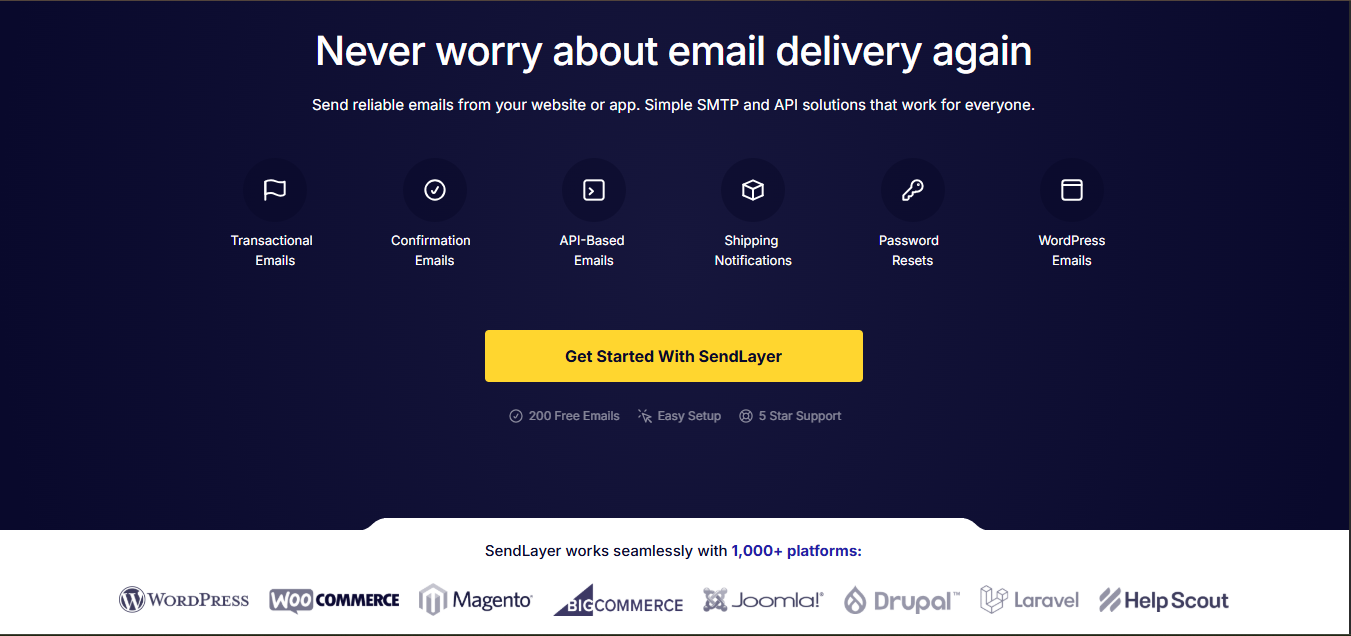
SendLayer is built specifically to handle transactional email and application messaging with minimal technical complexity. Designed to integrate smoothly with WordPress, it serves as a lightweight, reliable delivery engine for business websites and digital stores.
Core Features
Native SMTP Plugin Integration: SendLayer is deeply integrated with WordPress mailer plugins, enabling setup via an API key without manual port configuration.
Dedicated Transactional Infrastructure: The network is optimized specifically for speed, ensuring password resets and order notifications deliver without delay.
Email Tracking and Logs: Built-in dashboard logs let site owners track delivery status, open events, and bounce types directly.
Reputation Protection: Proactive suppression lists automatically block repeated sends to invalid addresses, preserving your domain’s sending score.
Why It Stands Out
SendLayer focuses entirely on friction-free transactional delivery. It removes the unnecessary bloat found in legacy marketing suites, making it an excellent choice for store owners who want fast, reliable setup and clean deliverability.
2. Brevo
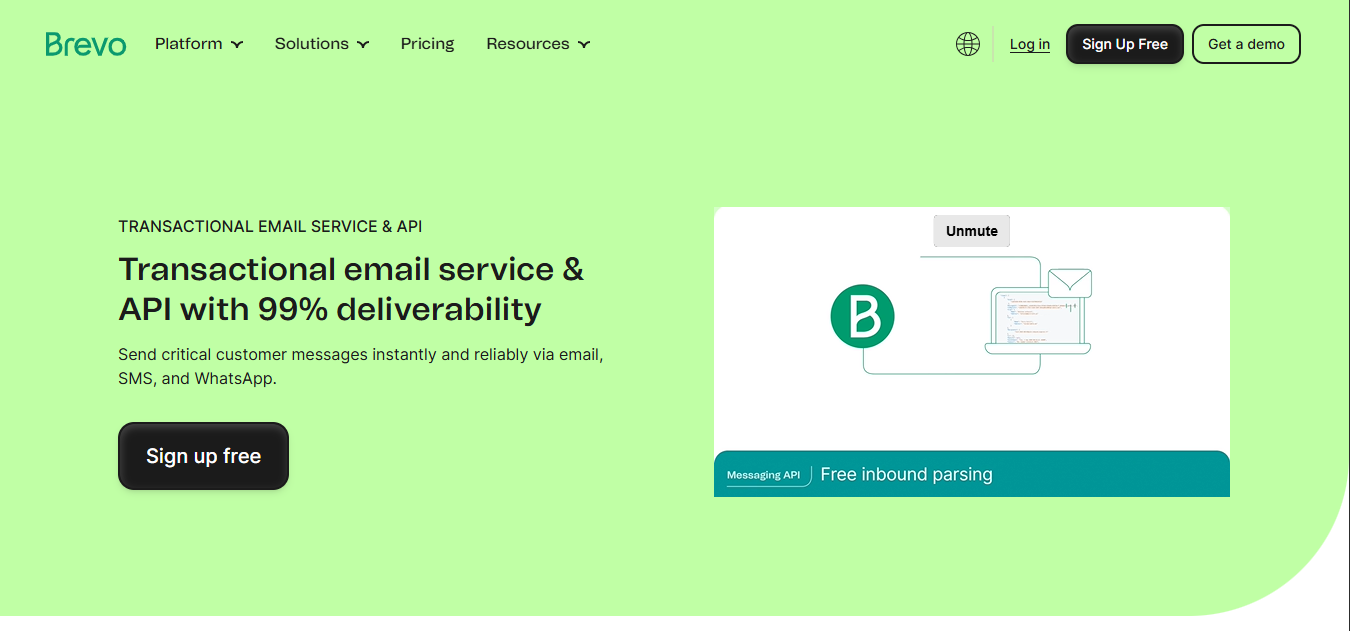
Brevo is an all-in-one transactional and marketing platform that bridges the gap between functional notifications and promotional messaging. It provides a reliable cloud infrastructure for WordPress sites seeking a consolidated communication dashboard.
Core Features
Direct Mailer Support: Brevo is officially recommended and pre-configured in major WordPress SMTP solutions, ensuring rapid API-level connections.
Separated Sending Pipelines: Transactional messages and marketing campaigns route through separate server infrastructure, protecting operational notifications from promotional spam complaints.
Visual Transactional Templates: Senders can design branded, dynamic HTML notification templates using a drag-and-drop builder rather than hand-coding PHP templates.
Multichannel Expansion: In addition to transactional email, Brevo supports SMS and WhatsApp notifications for direct mobile updates.
Why It Stands Out
Brevo provides a generous entry tier allowing up to 300 free emails per day. This makes it an ideal option for emerging businesses, new blogs, and local service providers that want dependable delivery without immediate monthly software overhead.
3. SMTP.com
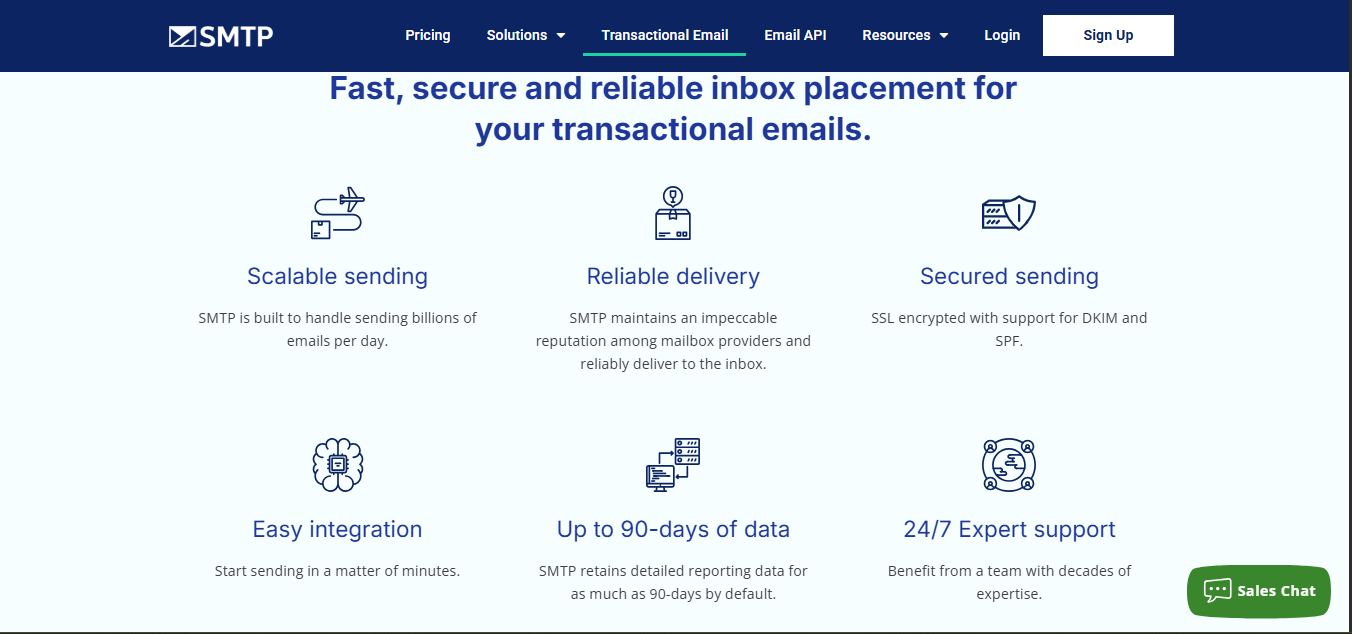
With over two decades of operation, SMTP.com is an industry veteran specializing in high-deliverability email relay services. It caters to organizations that send consistent volumes of critical notifications and require robust deliverability support.
Core Features
Recommended Infrastructure: Directly recognized and recommended across standard WordPress mailer setups for robust SMTP relay.
Reputation Defender Technology: Automated monitoring algorithms evaluate recipient lists and delivery metrics to prevent domain blacklisting before delivery rates drop.
High-Throughput Architecture: Built to handle high-frequency bursts without message throttling, making it suitable for flash sales and sudden traffic surges.
Comprehensive Delivery Reporting: Granular reporting dashboards provide deep insights into delivery failures, ISP responses, and recipient engagement.
Why It Stands Out
SMTP.com is designed for reliability and compliance. If your WordPress site processes regular commercial transactions where delayed notifications translate directly to lost revenue, its proactive reputation monitoring offers strong delivery assurance.
4. Amazon SES (Simple Email Service)
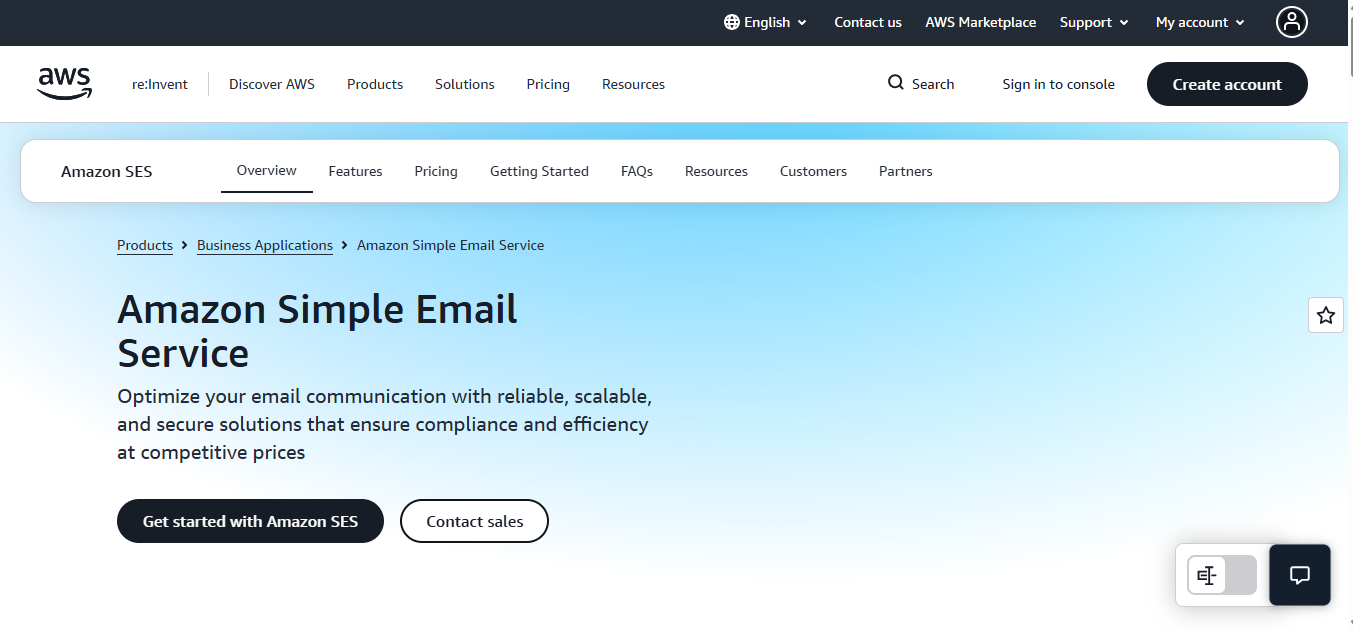
Amazon SES is Amazon Web Services’ high-scale, developer-grade transactional mail service. It provides commercial-grade cloud delivery infrastructure at wholesale utility pricing.
Core Features
Direct Cloud Integration: Supported natively across WordPress mailers using standard AWS IAM access keys.
Unmatched Cost Efficiency: At approximately $0.10 per 1,000 sent emails, Amazon SES is the most cost-effective solution available for high-volume sending.
Scalable Sending Pools: Senders can utilize Amazon’s massive shared IP network or attach dedicated IP addresses as volume demands.
Advanced Monitoring: Integrates with AWS CloudWatch and SNS for custom delivery failure alerts, bounce logging, and analytics.
Why It Stands Out
For enterprise portals, high-traffic membership sites, and large-scale WooCommerce installations, Amazon SES delivers enterprise reliability at a fraction of standard SaaS pricing. However, it requires technical familiarity to configure DNS records, manage AWS IAM permissions, and request production status out of the initial AWS sandbox.
Deliver Your WordPress Emails Reliably
Leaving WordPress email delivery to basic web hosting risks missed inquiries, abandoned carts, and frustrated users
Get Started With UsFree to start • No credit card required

Explore EMAIL MARKETING Mastery

Marketing & Lead Nurturing Emails: How to Convert Leads into Loyal Customers
How to Set Up Brevo for Transactional Emails on WordPress Sites

Transactional Email: Its Role in Email Marketing

How to Set Up SPF, DKIM and DMARC for WordPress Sites Using cPanel
View More EMAIL MARKETING Articles (9 more)

Email Authentication: Complete DNS Setup Guide for Better Delivery

How Emails Are Sent: A Simple Guide to Email Delivery

How to Start Email Marketing in Nigeria

How to Recover Abandoned Carts in Nigeria 2026

10 Best Email Marketing Software in Nigeria Today

Email Marketing Services for E-commerce Brands in Nigeria

Email Marketing Automation for Real Estate Firms in Nigeria

Types of Emails for Your Email marketing
