How to do SEO for Shopify

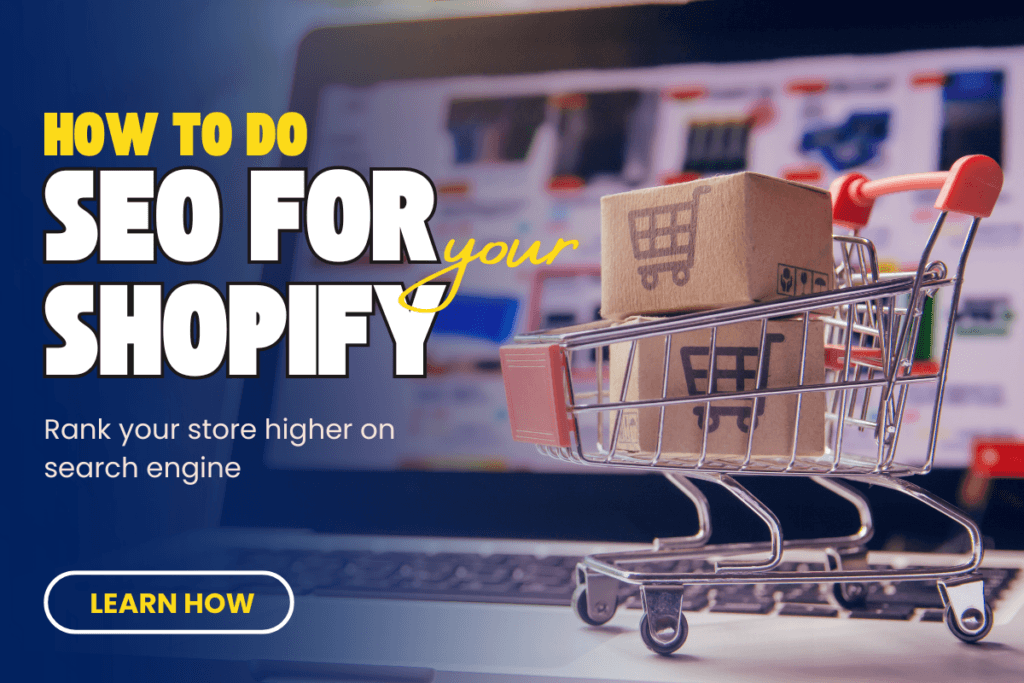
Shopify is a powerful eCommerce platform, but having a store isn’t enough—you need traffic, and for that, SEO (Search Engine Optimization) is key. If you want more customers finding your products on Google, you must optimize your Shopify store properly.
In this guide, I’ll break down everything you need to know about SEO for Shopify, from how Shopify works to practical SEO strategies that will help you rank higher and get more sales.
What Is Shopify and How Does It Work?
Shopify is an all-in-one eCommerce platform that allows businesses to create online stores without coding knowledge. It provides a user-friendly interface, built-in payment processing, and various themes to customize your store.
Here’s a quick breakdown of how Shopify works:
- Sign Up & Choose a Plan: Shopify offers different pricing plans based on your business size.
- Pick a Theme: Shopify provides free and premium themes to design your store.
- Add Products & Configure Settings: Upload product listings, set prices, and configure payment/shipping options.
- Launch & Market Your Store: Once your store is live, the next step is driving traffic—which is where SEO comes in!

The Connection Between SEO and Shopify
SEO is crucial for any website, but for Shopify stores, it’s even more important because you’re competing against thousands of other eCommerce websites.
Why does SEO matter for Shopify?
- More Organic Traffic: SEO helps your store appear in Google search results, driving free, targeted traffic.
- Higher Visibility: Ranking on the first page of Google increases trust and credibility.
- Better Sales & Conversions: More visitors = more potential customers.
While Shopify is SEO-friendly out of the box, you need to optimize it further to get the best results.
Read Google’s official guide on SEO.
How to Do SEO for Your Shopify Store
Here’s a step-by-step SEO strategy to optimize your Shopify store:
1. Keyword Research
Before optimizing your store, you need to find keywords your customers are searching for.
How to do keyword research for Shopify SEO:
- Use Google Keyword Planner, Ahrefs, or SEMrush to find relevant keywords.
- Focus on buyer intent keywords (e.g., “buy handmade jewelry” vs. “best handmade jewelry brands”).
- Look for long-tail keywords (e.g., “affordable leather wallets for men”).
Read more on how to do SEO for your business.
2. Optimize Shopify Store Structure
A well-organized store helps both Google and customers navigate your website easily.
Best practices for Shopify store structure:
- Keep your navigation simple: Homepage → Category Pages → Product Pages
- Use descriptive URLs (e.g., yoursite.com/men-leather-wallet instead of yoursite.com/product123)
- Ensure important pages are linked from your homepage.
3. Optimize Product Pages
Your product pages are the most important part of your Shopify store. Here’s how to optimize them:
- Title Tags & Meta Descriptions: Include primary keywords naturally.
- High-Quality Product Descriptions: Avoid manufacturer descriptions—write unique, engaging copy.
- Alt Text for Images: Describe images using relevant keywords.
- Use Schema Markup: Helps Google display product ratings in search results.
Learn more about structured data for eCommerce.
4. Improve Site Speed
Shopify sites need to load fast. Google prioritizes speed, and so do customers.
How to improve Shopify speed:
- Use a lightweight Shopify theme
- Compress images with tools like TinyPNG
- Reduce apps that slow down your store
- Enable lazy loading to load images only when needed
Check your website speed with Google PageSpeed Insights.
5. Optimize for Mobile
More than 60% of online shoppers use mobile devices. Shopify themes are mobile-friendly, but you should test your store on different screen sizes.
Use Google’s Mobile-Friendly Test to check if your site is responsive.
6. Build High-Quality Backlinks
Backlinks (links from other websites to your store) boost your Shopify SEO authority.
How to build backlinks:
- Guest post on relevant blogs
- Get featured in online magazines
- List your store in industry directories
- Collaborate with influencers for product reviews
7. Use Shopify SEO Apps
Shopify offers several SEO apps to make optimization easier. Some good ones include:
- Plug in SEO (checks SEO issues)
- Image Optimizer (compresses images)
- SEO Manager (helps with metadata, broken links, etc.)

Why SEO Is Necessary for Your Shopify Store
Investing in Shopify SEO is not optional—it’s a must if you want consistent traffic and sales.
Impact of SEO on Shopify Stores
- Long-Term Traffic: Unlike paid ads, organic traffic continues to grow over time.
- Higher Conversion Rates: SEO traffic is more targeted and ready to buy.
- Lower Marketing Costs: You spend less on ads while getting quality traffic for free.
- Competitive Advantage: Stores that rank higher get more trust and sales.
Need expert SEO services? Check out Bizmartek’s Shopify SEO solutions.
Final Thoughts: SEO Is the Key to Shopify Success
If you want sustained growth for your Shopify store, SEO is a game-changer. From keyword research to site structure, page optimization, and link-building, every step contributes to better rankings and sales.
Start optimizing your Shopify store today, and watch your organic traffic (and revenue) grow!